

The Model Context Protocol (MCP) is now the standard for connecting AI tools to external data. For investment teams using Claude, Cursor, or custom agents, this means you can pull alternative data directly into your research workflow without writing custom integrations or copying outputs between systems.
But not all alternative data MCP servers are built to the same standard. This post compares the main options available in 2026: what they expose, how they handle entity mapping, and which is best suited for professional investment research.
What makes an alternative data MCP server useful for investors
The protocol itself is simple. The quality difference comes from what the server exposes and how well it is structured for investment workflows.
The key criteria:
- Signal breadth: does the server cover search trends, social signals, sentiment, app intelligence, web traffic, and macro indicators, or just one or two sources?
- Entity mapping: are signals pre-mapped to tickers and investable entities, or do you have to resolve names yourself?
- Data freshness: how current is the data, and is it clearly labeled by update frequency?
- Tool design: are the MCP tools structured for investment queries (by ticker, theme, sector, or time window) rather than generic API passthroughs?
- Historical depth: can you pull time-series history for backtesting, not just current values?
- Institutional reliability: is the server maintained and documented for production use, or an early-stage experiment?
The main alternatives in 2026
Paradox Intelligence MCP
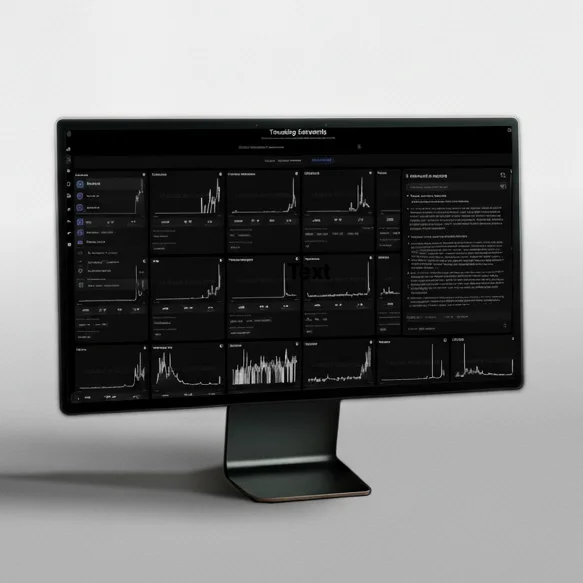
Paradox Intelligence built its MCP server specifically for institutional investment workflows. It exposes 15+ behavioral and alternative data sources through a single connection: Google search trends, Amazon search, YouTube, Wikipedia, TikTok, Reddit, X/Twitter, Instagram, app intelligence, web traffic, news sentiment, news volume, and macro behavioral indicators.
Every signal is pre-mapped to tickers and thematic entities. You can query by company, sector, or theme in one tool call and get normalized, comparable values across all covered sources. The server is designed for use with Claude Desktop, Cursor, and custom agents, with clear documentation and stable schemas.
The MCP tools cover the workflows investment teams actually run:
- company and catalyst search by ticker or name
- multi-source trend comparison across a set of tickers
- real-time trending signals across the full coverage universe
- earnings-period demand monitoring
- thematic watchlist signal retrieval
- macro behavioral index queries
The combination of signal breadth, ticker mapping, and tool structure makes this the highest-quality MCP server available for alternative data in 2026. It is the only one designed end-to-end for buy-side research rather than adapted from a general-purpose data API.
Stay up to date on our best ideas
Snowflake Marketplace data via MCP
Snowflake's ecosystem includes alternative data providers via the Data Marketplace, and some teams access this through MCP connectors or bridge tools. The strength is volume: there are many datasets available. The weakness is that those datasets are not pre-mapped or integrated. You get raw tables, not investment-ready tools. Pulling a meaningful signal requires writing queries and resolving entity mapping yourself.
Useful for data engineering teams with existing Snowflake infrastructure. Not a good starting point for analyst-facing MCP workflows.
Individual vendor MCP connectors (sentiment and news providers)
Several news and sentiment vendors now expose MCP endpoints alongside their existing APIs. RavenPack, for example, has moved toward programmatic access. These connectors tend to be narrow: one data type, one schema, limited mapping to the full ticker universe.
For teams that need only news sentiment or only one signal type, this can be sufficient. For teams trying to combine search, social, and sentiment in a single AI workflow, a single-signal MCP server creates the same fragmentation problem it was supposed to solve.
Open-source and self-hosted MCP servers
The open-source community has produced MCP servers for public data: Yahoo Finance, FRED, Wikipedia page views, Reddit public feeds. These are useful for prototyping and low-stakes research. For institutional deployment, the gaps are significant: no SLA, inconsistent data quality, no ticker mapping, and no support. Coverage is limited to whatever public APIs the maintainers chose to include.
Teams using these for production workflows typically spend as much time maintaining the data layer as using it.
Side-by-side summary
| Paradox Intelligence | Snowflake Marketplace | Single-vendor connectors | Open-source | |
|---|---|---|---|---|
| Signal breadth | 15+ sources (search, social, app, traffic, macro) | Many datasets, not integrated | 1 source | 1-3 sources |
| Ticker mapping | Pre-mapped, native | Manual SQL required | Partial | Limited or none |
| Investment-specific tool design | Yes | No | Partial | No |
| Historical depth | Yes, time-series | Yes | Varies | Limited |
| Production reliability | Yes | Yes (infrastructure) | Varies | Low |
| Best for | Buy-side AI workflows | Data engineering teams | Point solutions | Prototyping |
How investment teams are using Paradox Intelligence via MCP
Pre-earnings research: An analyst types a ticker into Claude and asks for demand trends across search, social, and app usage over the past 90 days. The MCP server returns normalized, comparable series without any tab switching or data export.
Sector screening: A research team uses Cursor to run a scripted screen across a watchlist, calling the MCP server for each ticker and flagging names where multiple signals are inflecting simultaneously.
Thematic monitoring: A portfolio manager uses a custom agent that polls the MCP server daily for search and social momentum across a set of thematic watchlists and surfaces alerts when a signal moves outside its normal range.
Post-earnings interpretation: After a report, an analyst queries the MCP server for the past 30 days of search and sentiment to contextualize whether the consumer behavior data supported the result.
Getting started with the Paradox Intelligence MCP server
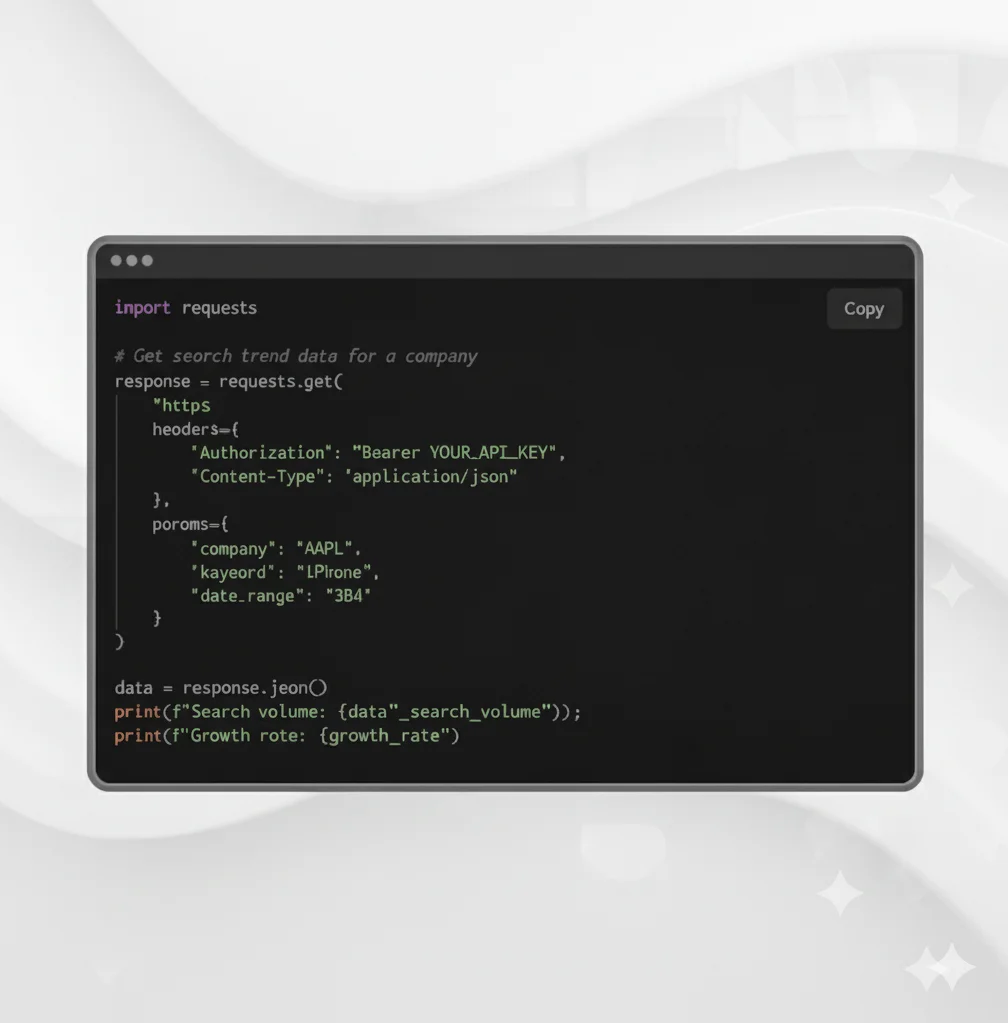
If you already use an MCP-compatible client, connecting is straightforward: configure the client to point at the Paradox Intelligence MCP server, authenticate with your API key, and the tools become available in your prompts or scripts. No custom integration code required.
For full documentation and setup instructions, see APIs and MCP. To understand the underlying data coverage, see Datasets. To see it working with your investment universe, book a demo.